
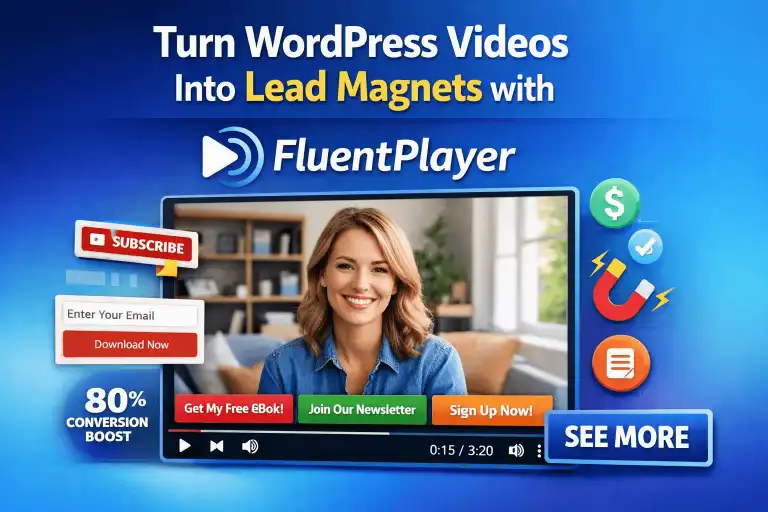
In the digital age, video is the most potent medium for engagement, yet many WordPress site owners treat it as an afterthought.
You likely host your media on third-party platforms, embedding them via simple iframes without considering the conversion implications.
This approach is not just passive; it is actively costing you leads, data, and audience ownership.
If you are serious about growth, you must shift your perspective from viewing video as mere “content” to treating it as a high-conversion sales engine.
Why Traditional Video Embeds Are Killing Your Conversions
The “Leaky Funnel” Problem: Why YouTube and Vimeo Cost You Leads
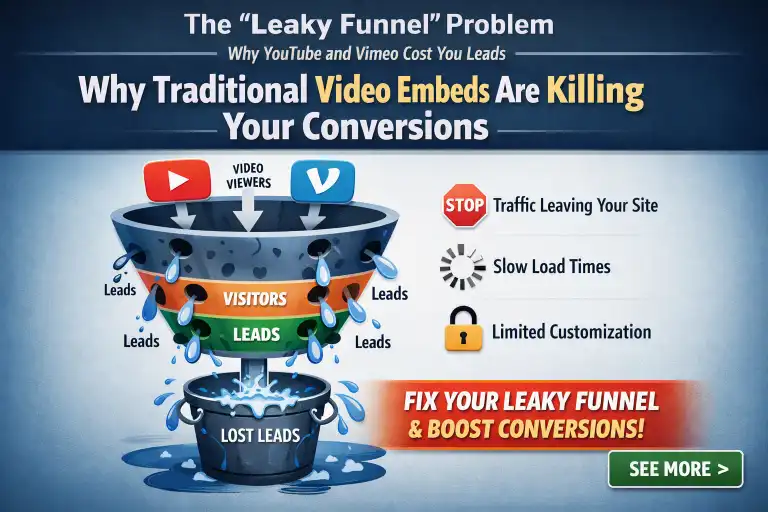
When you embed a YouTube video on your WordPress site, you are effectively sending your visitors back to a platform designed to distract them.
The moment a user clicks play, YouTube serves related videos, advertisements, and external links that pull them away from your domain.
This is the “leaky funnel” dilemma. You have worked hard to earn a visitor’s attention, only to hand them over to a tech giant that prioritizes engagement on their platform, not yours.
Vimeo is slightly cleaner, but it still lacks the deep-funnel integration necessary to turn a passive viewer into a captured lead.
Distraction-Free Playback: Keeping Users on Your Own Domain
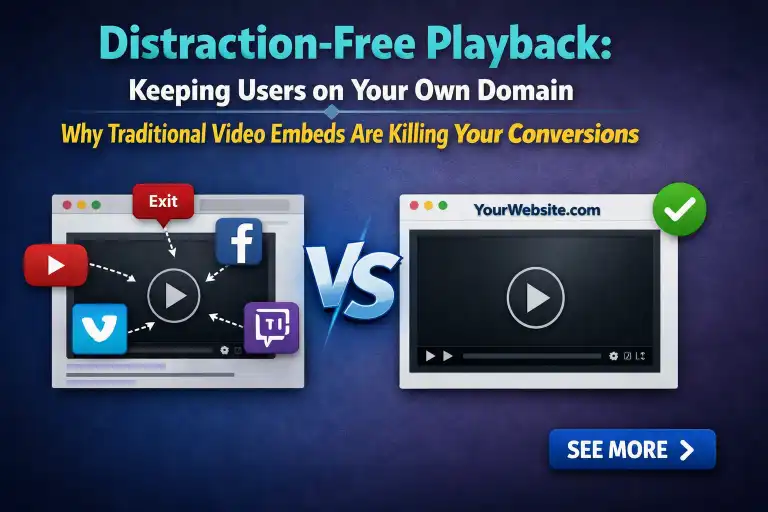
To maximize conversions, you need a controlled environment.
By using a native, self-hosted solution like FluentPlayer, you retain full control over the viewing experience.
You remove the “suggested video” sidebars and the outbound branding that dilute your message.
When your video player is a first-party tool, the user’s entire journey—from discovery to opt-in—happens within your ecosystem.
This creates a professional, cohesive brand experience that builds authority and keeps the focus exactly where it belongs: on your offer.
Privacy-Ready Embeds and Building Brand Trust
Beyond conversion, privacy and security are paramount.
Standard embeds often track users through third-party cookies, which can trigger privacy warnings or non-compliance issues in certain jurisdictions.
FluentPlayer provides a privacy-focused alternative, ensuring that you manage your own data.
This commitment to user privacy fosters trust, which is the foundational currency of any long-term lead-generation strategy.
The Anatomy of a High-Converting Video Lead Magnet
Identifying Your Value Proposition: Short-Form vs. Long-Form Video
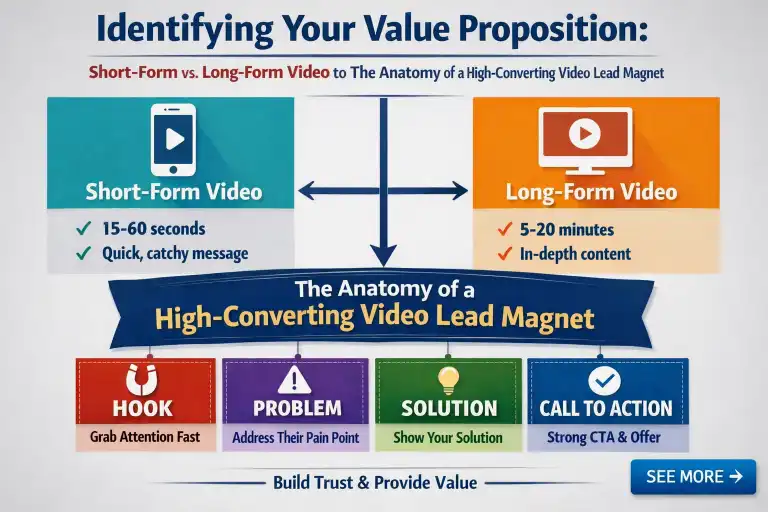
The type of video you choose to gate depends on your goal.
Short-form videos (under two minutes) work best as high-impact teasers, while long-form content (webinars or course previews) serves as a high-value exchange.
To turn these into lead magnets, define what the user gains in exchange for their email. Is it exclusive access?
A deeper dive into a complex topic? Ensure the value is clear enough that the viewer wants to provide their contact information.
The Psychology of “The Gate”: When to Ask for the Email Address

Timing is everything. If you present a lead-capture form too early, you create friction and bounce the user.
If you wait until the very end, you lose the viewers who drop off before the conclusion.
The sweet spot is the “high-intent” phase—usually after the viewer has consumed enough of the video to realize its value, but before the video ends.
Use the gate to transition from free consumption to a committed lead.
The “Cliffhanger” Technique: Timing Your Lead Capture Forms
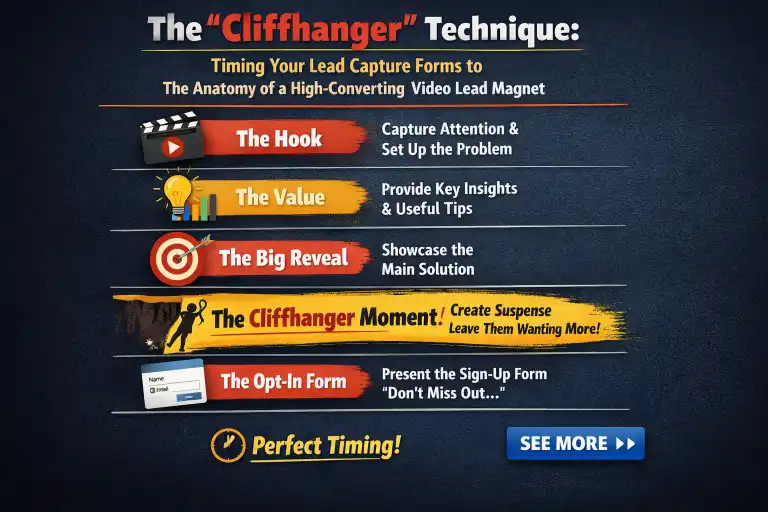
The “Cliffhanger” technique leverages natural curiosity.
Place your lead capture form exactly when you are about to reveal the “how-to” or the secret benefit mentioned in your introduction.
By interrupting the video at the point of maximum interest, you ensure that only the most qualified leads opt-in, while the offer feels like a natural bridge to the rest of the content.
| Element | What to Do | Why It Works |
| Tease the payoff | Mention a specific “how-to” or secret benefit in the intro | Creates an open loop the viewer wants closed |
| Time the form placement | Trigger the lead capture form right before revealing the answer | Interrupts at peak curiosity—maximum motivation to opt in |
| Frame the form as a bridge | Position the email gate as “unlock the rest of the content” | Feels natural, not like a paywall or ad |
| Filter for qualified leads | Only genuinely interested viewers will submit | Reduces list bloat; higher conversion downstream |
Setting the Stage: Performance-First Video Hosting
Why Page Speed is the First Step in Conversion Optimization
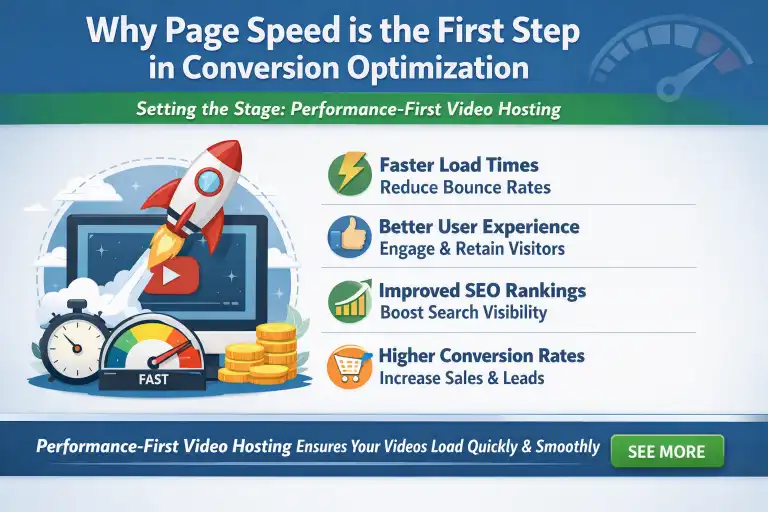
Video files are heavy.
If your page load times are sluggish, users will bounce before the video even renders.
Performance is a critical ranking factor and a direct component of your conversion rate.
A fast-loading, responsive video player ensures that the viewer’s first impression of your content is seamless, which builds momentum for the eventual sales pitch.
Leveraging BunnyCDN and Cloudflare Stream for HLS Playback
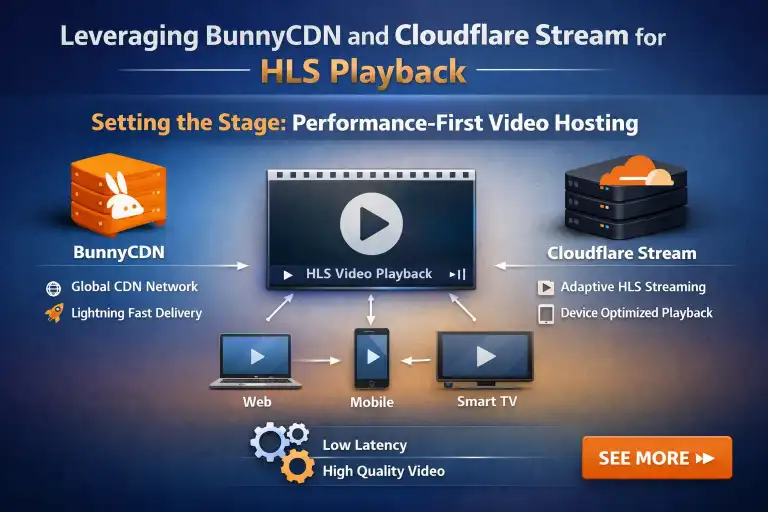
HLS (HTTP Live Streaming) is the gold standard for adaptive streaming.
By leveraging integration with platforms like BunnyCDN or Cloudflare Stream through FluentPlayer, you ensure that your videos scale to the user’s connection speed.
This minimizes buffering and creates a smooth experience across all devices, from high-speed desktop connections to mobile data users, preventing those micro-frustrations that cause lead leakage.
Organizing Assets: Using Playlists and Custom Thumbnails to Drive Interest
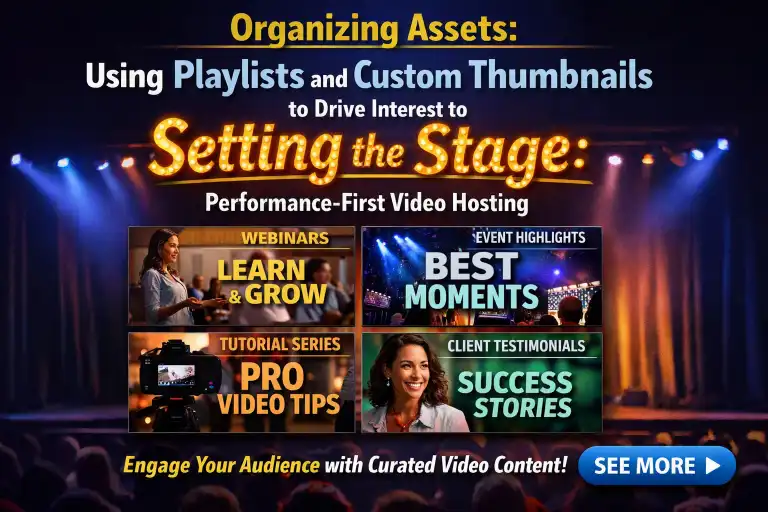
Never underestimate the power of a professional thumbnail.
It is the gatekeeper of your video.
Using playlists allows you to group related content, keeping users on-site longer and increasing the likelihood that they will interact with your lead-capture forms across multiple touchpoints.
Step-by-Step: Implementing Lead Capture within FluentPlayer
Connecting FluentForms: Creating the Perfect In-Video Opt-In
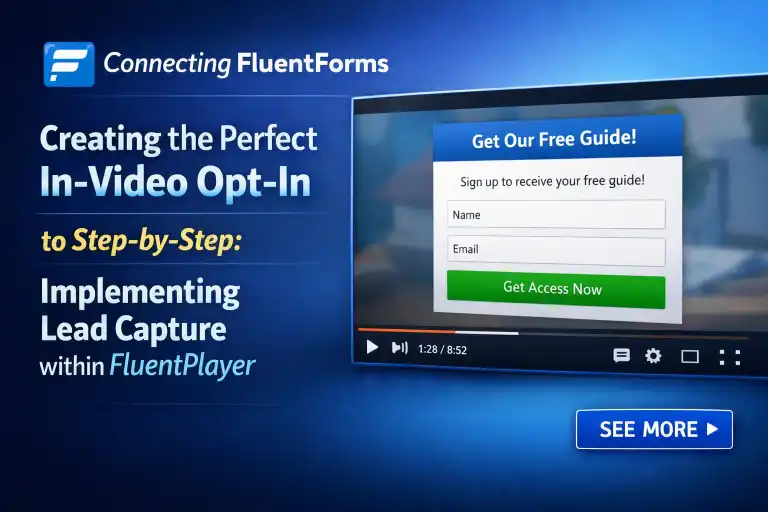
FluentPlayer integrates natively with FluentForms, allowing you to embed complex forms directly into the video player.
When the video pauses, the form appears, allowing the user to provide their email address without leaving the player interface.
This is the pinnacle of “frictionless” lead generation.
| Step | What Happens | Why It Works |
| Connect FluentForms to FluentPlayer | Use the native integration to link a form to your video player | No third-party plugins or workarounds needed |
| Set the trigger point | Configure the form to appear when the video pauses | Catches the user at a natural attention peak |
| User submits email | Form renders inside the player interface—no redirect | Zero friction; the user never leaves the video |
| Lead captured in-player | Data flows directly into your CRM via FluentCRM sync | Completes the capture → nurture loop in one session |
Key takeaway: The in-player form eliminates every reason for a user to bail. They don’t leave the video, don’t hit a new page, don’t lose context—just type an email and hit submit. That’s frictionless lead generation.
Customizing Interactive Layers: Banners, Buttons, and Hotspots
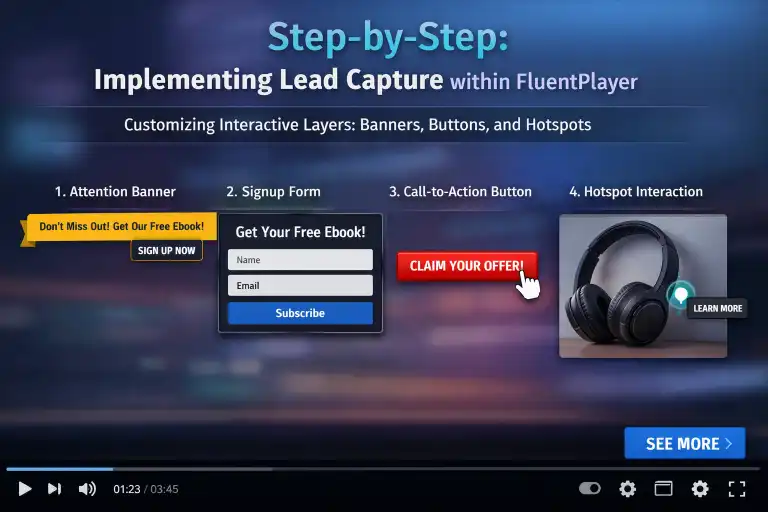
Use interactive layers to create dynamic calls to action.
A button that appears over the video can link directly to a checkout page or a secondary resource.
Hotspots allow you to make specific areas of the video clickable, giving the user control over their path.
Use these elements to guide the viewer toward the conversion point.
Using Call-to-Action (CTA) Overlays for Higher-Intent Offers
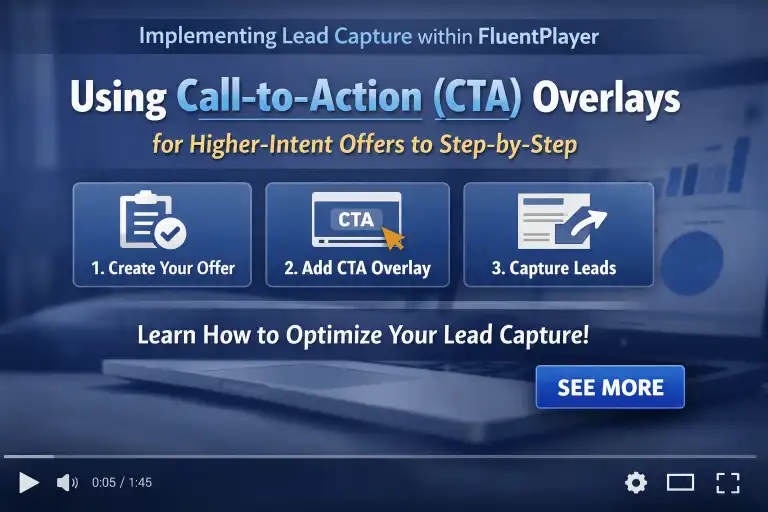
For high-intent offers, a simple email capture may not be enough.
Use CTA overlays to display time-sensitive discounts, links to booking calendars, or invitations to join a community.
By overlaying these on top of your video content, you ensure your offer is impossible to miss.
Enhancing the User Experience to Minimize Bounce Rates
Improving Navigation with Video Chapters and Subtitles
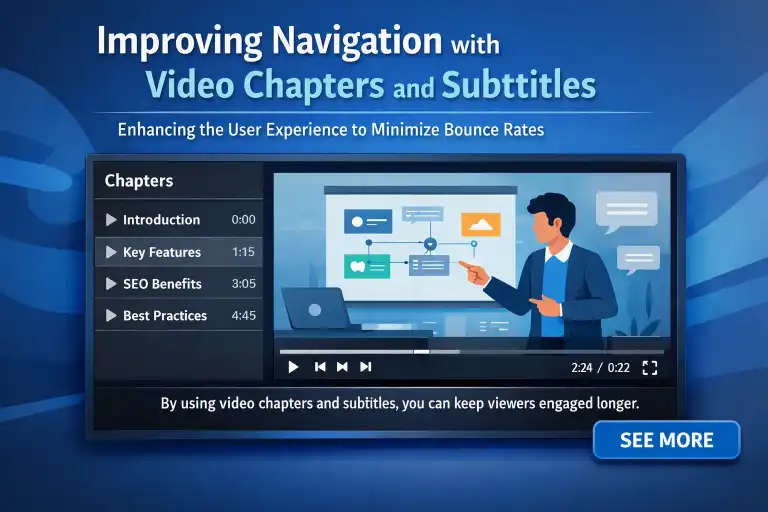
Modern viewers consume video differently.
They often skip ahead to find what is relevant to them.
By implementing Video Chapters, you allow users to navigate your long-form content easily.
Pairing this with clean, readable subtitles improves accessibility and engagement, ensuring that your message is understood even in silent environments or by users with hearing impairments.
Reducing Friction with Resume Playback for Returning Visitors
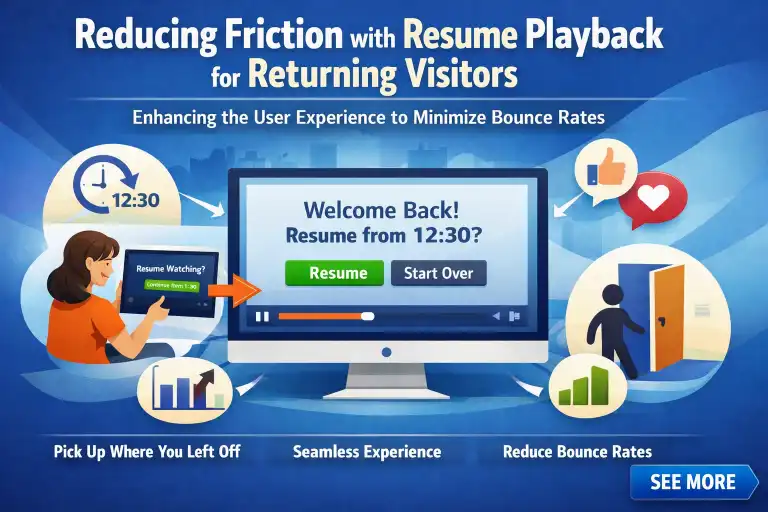
If a visitor navigates away and comes back, the player should remember their progress.
This “resume playback” feature reduces the frustration of having to scrub through the timeline to find where they left off, showing that you respect the user’s time and attention.
Creating a Branded Environment with Custom CSS and Skinning
A “cookie-cutter” player signals a lack of brand investment.
FluentPlayer allows for custom CSS and skinning, letting you align the player’s aesthetics with your website’s design system.
This reinforces brand identity and builds the perception of a high-quality, professional platform.
The “Silent” Growth Engine: Connecting to the Fluent Ecosystem
Automating the Hand-off: Syncing Leads to FluentCRM
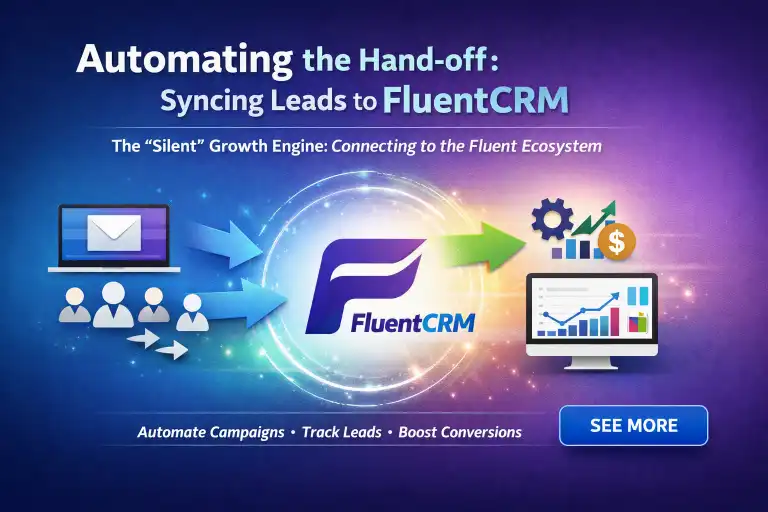
Once a lead opts in through a video form, the data should not sit idle.
FluentPlayer syncs directly with FluentCRM, allowing you to trigger automated email sequences immediately.
This ensures the hand-off from “viewer” to “nurtured lead” is instantaneous.
| Step | What Happens | Benefit |
| Lead opts in via video form | User submits email through FluentPlayer’s gated video | Captures the lead at the moment of peak interest |
| Automatic sync to FluentCRM | FluentPlayer pushes the new lead data directly into FluentCRM | No manual export or copy-paste required |
| Email sequence triggers | FluentCRM fires the pre-built nurture sequence instantly | Viewer becomes a “nurtured lead” with zero delay |
Smart Tagging: Segmenting Leads Based on Watch Time and Interaction
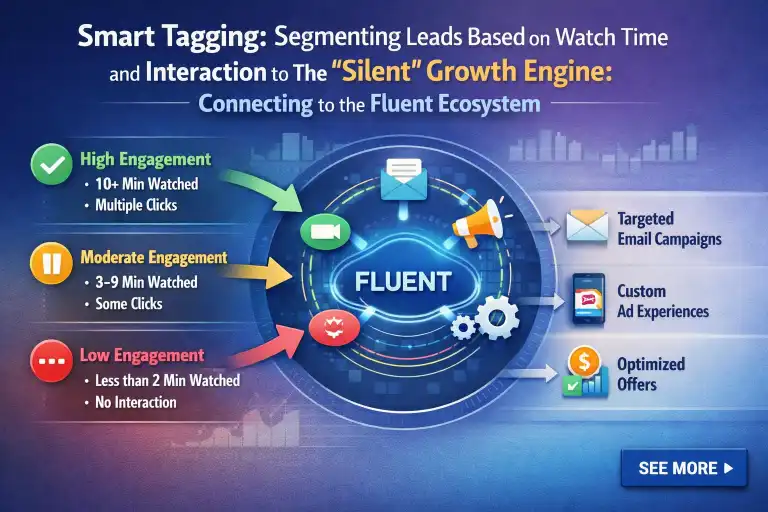
Not all leads are the same. A user who watches 80% of your video is a higher-intent prospect than one who watches 10%.
By using smart tagging, you can segment these viewers in your CRM and serve them different, more personalized follow-up content based on their engagement behavior.
Leveraging FluentAffiliate for Partner-Driven Lead Generation
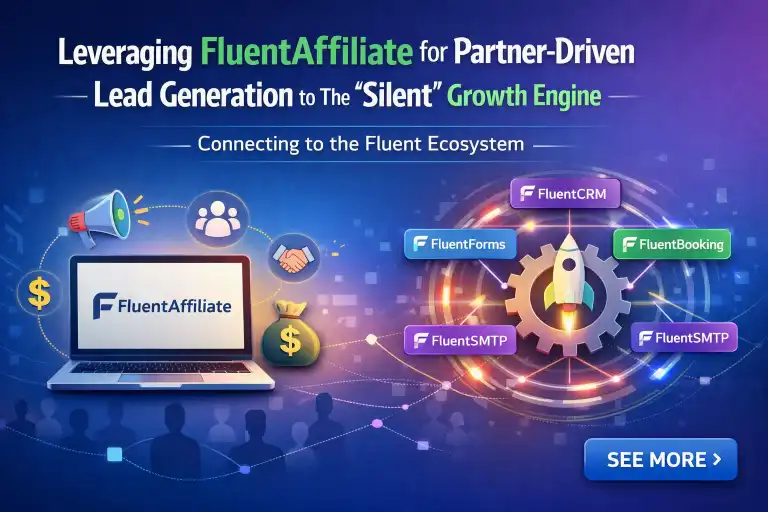
For creators looking to scale, integration with FluentAffiliate allows your partners to embed your lead-capture videos on their sites.
You capture the leads, they track the referrals, and your funnel grows through your community, creating a self-sustaining growth loop.
Strategic Use Cases: Lead Magnet Blueprints for WordPress Sites
Course Creators: Gating the “First Module” Teaser
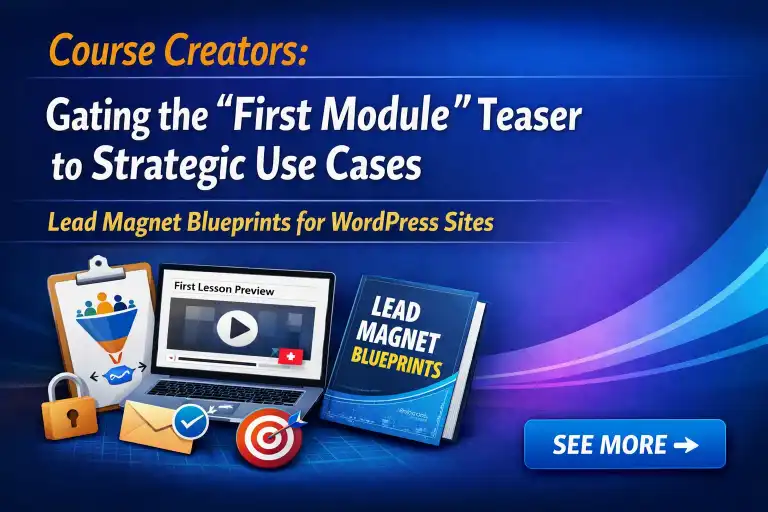
Course creators can use the “cliffhanger” technique on the first module of a course.
Offer the introduction for free, and then gate the rest of the module behind a form. This builds immense trust while capturing high-quality leads interested in your specific curriculum.
| Strategy | How It Works | Result |
| Exclusive content gating | Use FluentPlayer to gate the final 30% of premium member-only videos | Creates a clear “unlock” incentive |
| Teaser snippets | Show a portion of the video before the paywall | Demonstrates value without giving it all away |
| Membership registration CTA | Prompt users to sign up to access the gated segment | Converts casual viewers into paying members |
Affiliate Marketers: The Software Walkthrough and “Value-Add” Funnel

Affiliate marketers often struggle with “click-and-run” traffic.
By using a software walkthrough video with an in-player CTA for a bonus guide, you transform the visitor from an anonymous clicker into an email subscriber whom you can guide toward an affiliate purchase.
Membership Sites: Using Teasers to Drive Premium Signups
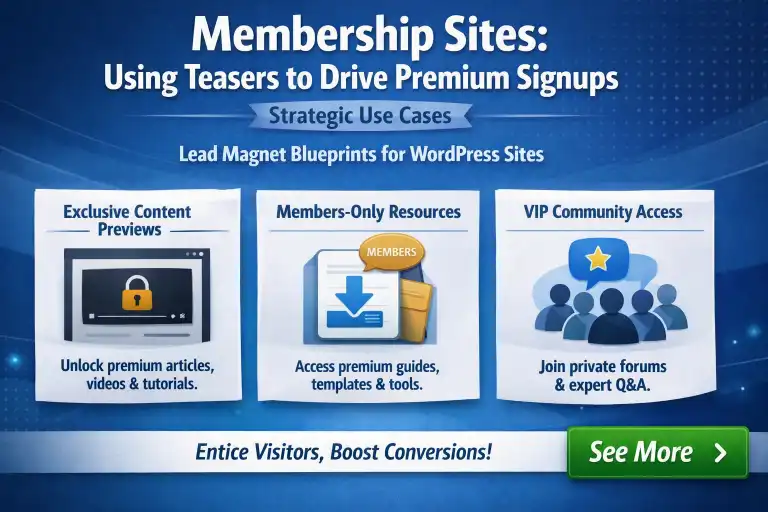
Membership sites thrive on exclusive content. Use FluentPlayer to provide snippets of premium member-only videos.
By gating the final 30% of the video, you create an irresistible incentive for the user to register for a membership.
Measuring and Optimizing Your Video Sales Funnel
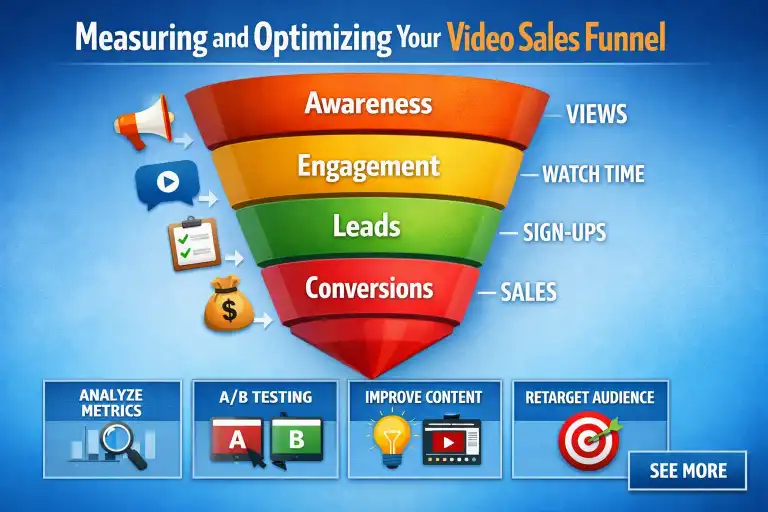
Vanity metrics like “total views” are deceptive. To optimize your funnel, focus on engagement analytics: where do users drop off?
Which interactive layers get the most clicks?
Use this data to iterate. If a specific chapter sees high engagement, expand on that topic.
If a CTA overlay underperforms, test new copy. Continuous optimization is the difference between a static video and a dynamic growth asset.
| Metric / Element | What to Look For | Action |
| Drop-off points | Where users stop watching | Restructure or shorten that section |
| Interactive layer clicks | Which CTAs/chapters get the most engagement | Expand high-performing topics |
| CTA overlay performance | Click-through rate vs. other placements | A/B test new copy or placement |
| Engagement analytics (overall) | Time spent, replay rates, chapter completion | Iterate and refine the video as a dynamic asset |
Key takeaway: Move beyond vanity metrics like total views. Use engagement data to continuously iterate—turning a static video into a growth asset.
Conclusion
Turning WordPress videos into lead magnets requires a shift from passive hosting to active engagement. By moving away from third-party platforms that steal your traffic and adopting a tool like FluentPlayer, you gain control over the user journey, improve site performance, and leverage the powerful synergy of the Fluent ecosystem.
Start by auditing your current video content. Identify one high-traffic page where a lead capture form could serve as a valuable bridge for your audience. Implement the “Cliffhanger” technique, sync your data with FluentCRM, and begin tracking your conversion performance. When you treat video as a first-party growth asset, you move beyond merely hosting files—you build a measurable, scalable, and highly effective conversion funnel that works for you 24/7. Your audience is waiting; ensure that when they hit play, they land in a space designed to help them succeed while growing your business.

Add your first comment to this post